Explore the platform
◈TitanEd Orbit OverviewThe complete AI-centric learning platform✎StudioCreate, collaborate and manage courses▣LMSConnected, supported learning experiencesBuilt into every experience
✧TitanAIUseful AI in the flow of learning⚙Control-HubConfiguration, governance and insights☷Explore CapabilitiesDetailed features for evaluationStart with what matters
Request a free trial, follow guided setup and explore the capabilities that fit your needs.
Try TitanEd Orbit Free →Learning missions
▤Academic LearningTeaching, courses and learner support▦Workforce DevelopmentTraining and professional capabilityAdapt to your programs
◎Learning at ScaleDistributed and multilingual learning▥Learning BusinessesBranded courses and learning programsOne platform, many priorities
See how TitanEd Orbit supports your mission with the capabilities you choose.
Explore learning experiences →Create courses, structure learning experiences and manage teaching activities with Studio, the authoring environment within TitanEd Orbit. Build with flexibility, use available AI assistance where appropriate, and retain control over what you publish.
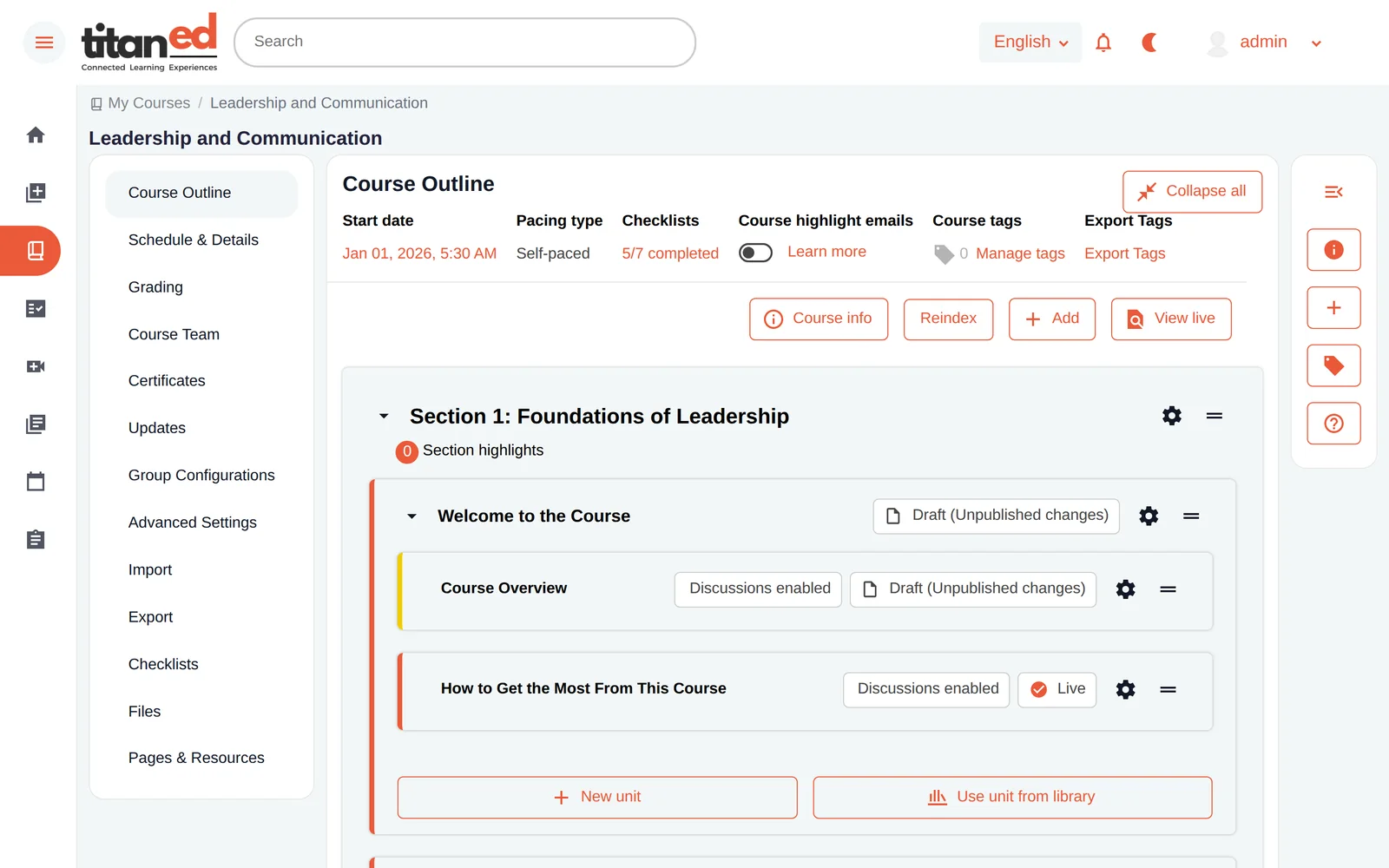
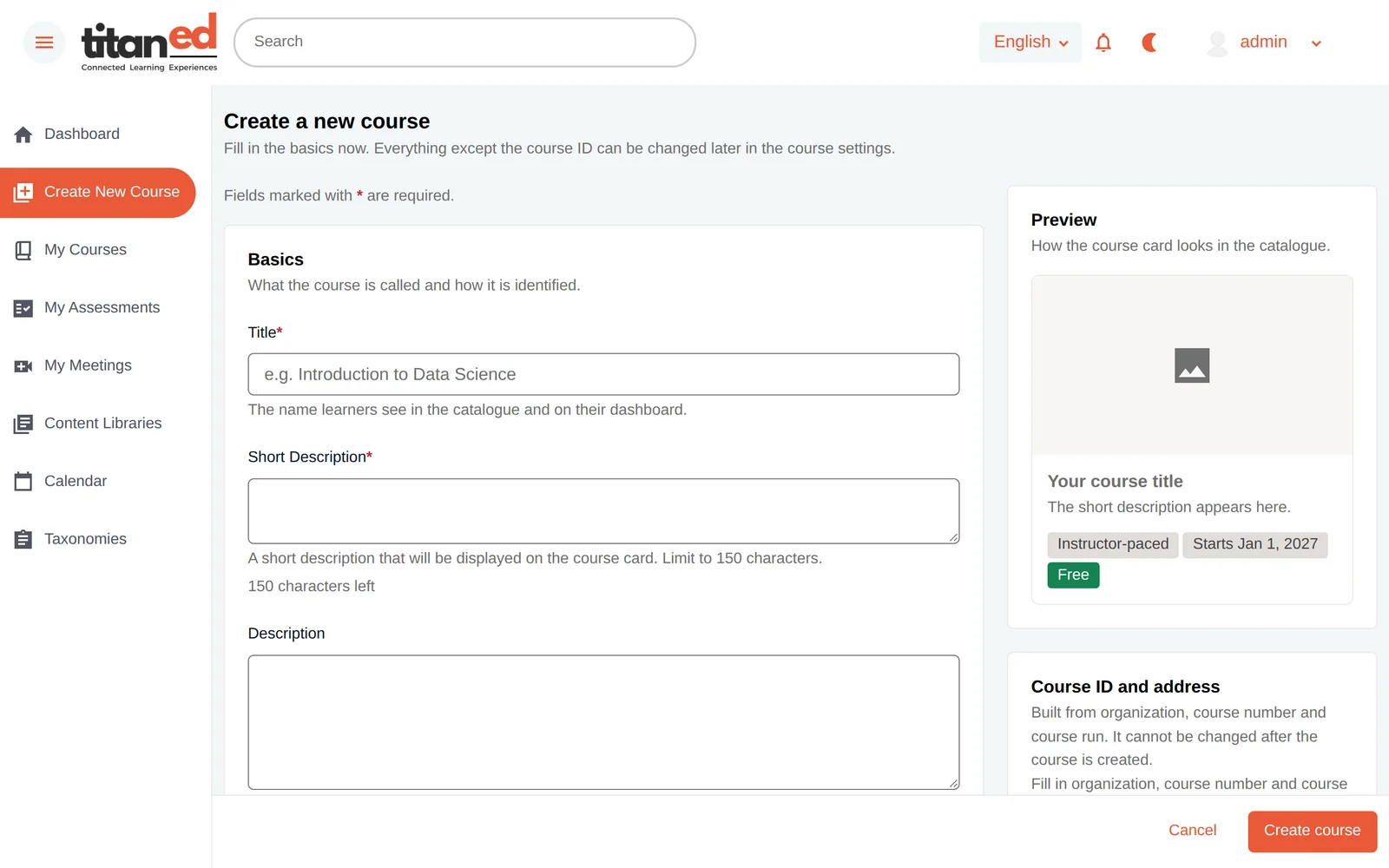
Start with a topic or syllabus. Organize the structure, develop content and activities, review the result, and publish when it’s ready.
Set objectives, pacing and course structure.
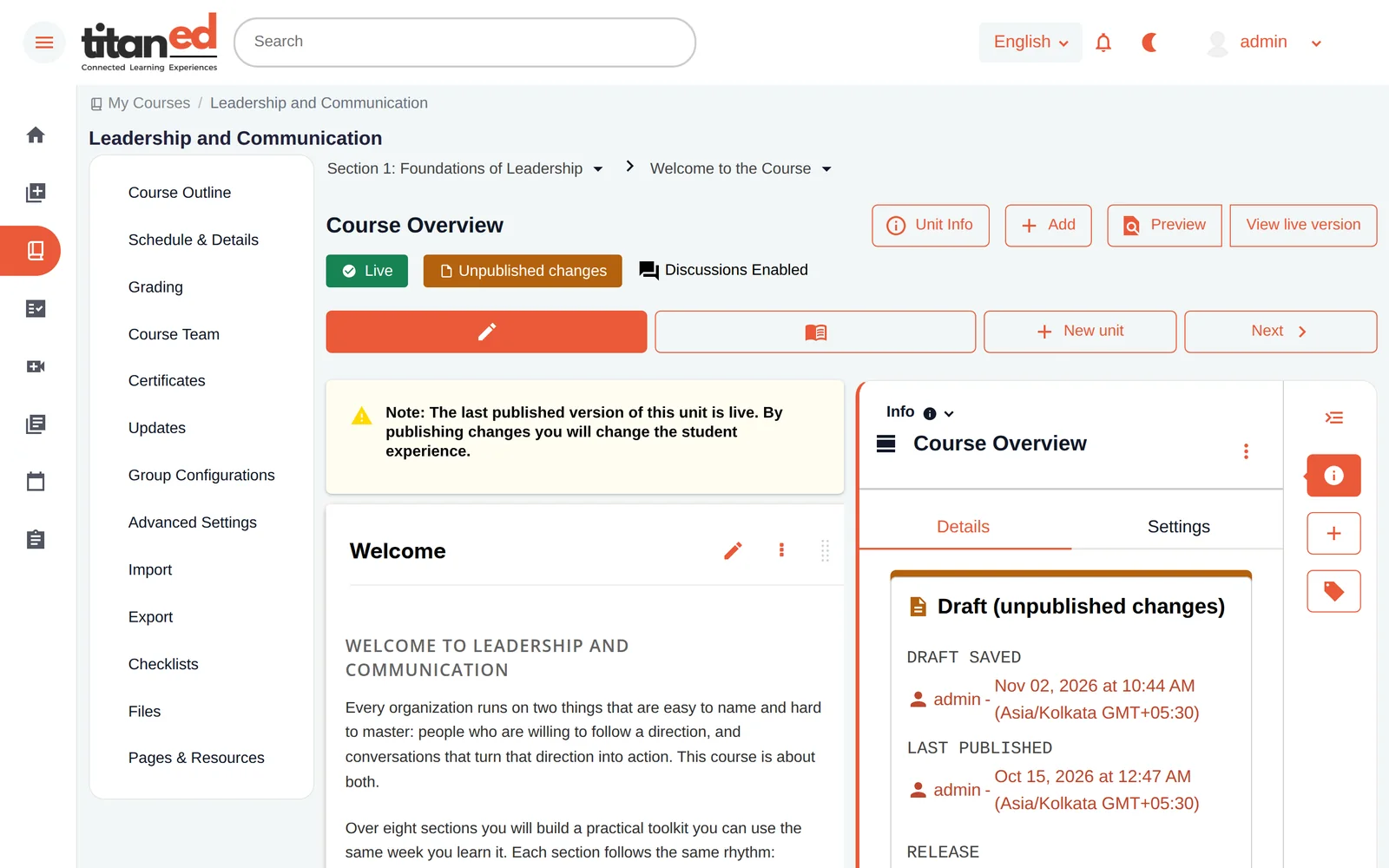
Add lessons, media, activities and supported assessments.
Collaborate, preview and adjust material before publication.
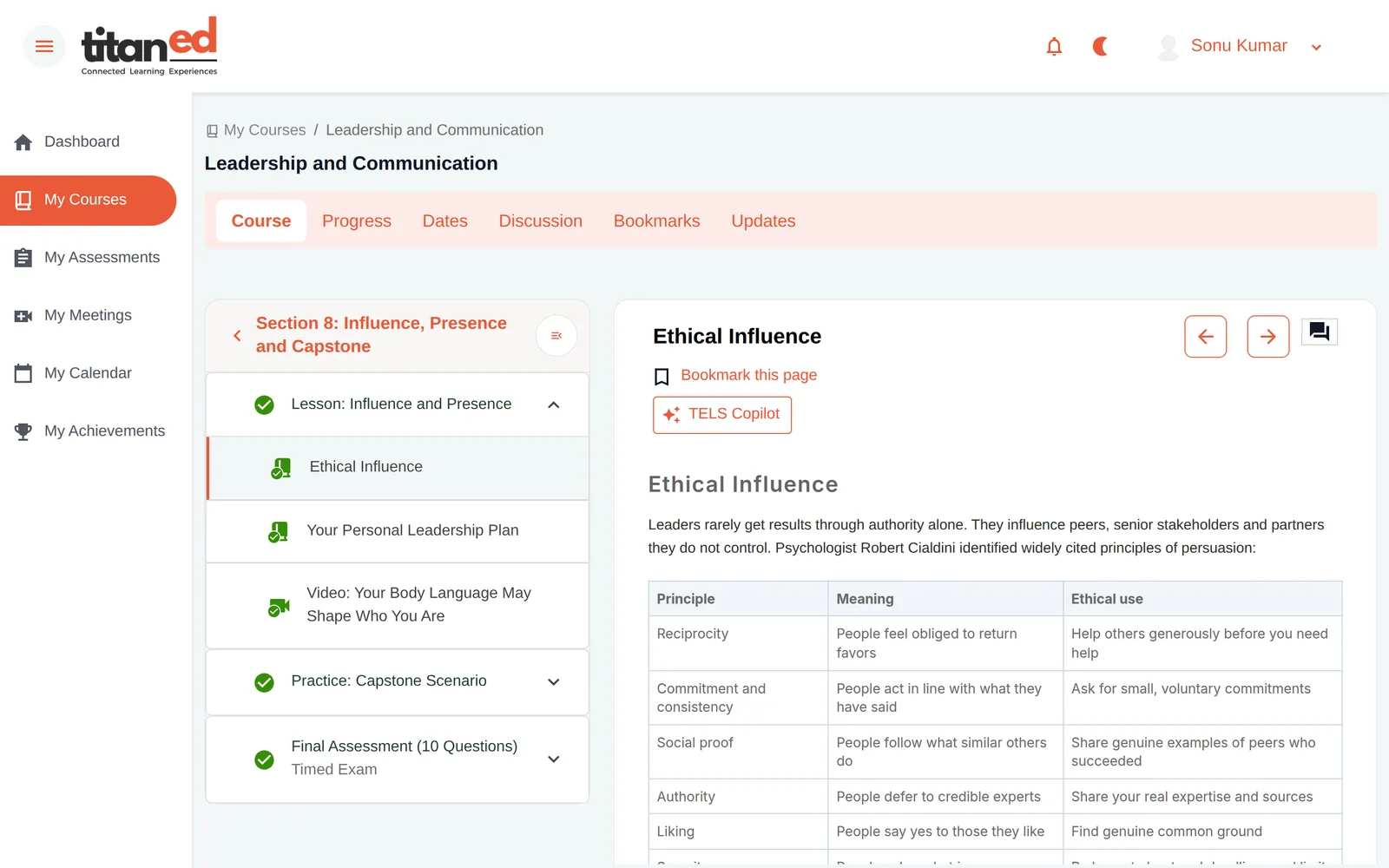
Release the course into the TitanEd Orbit learner experience.
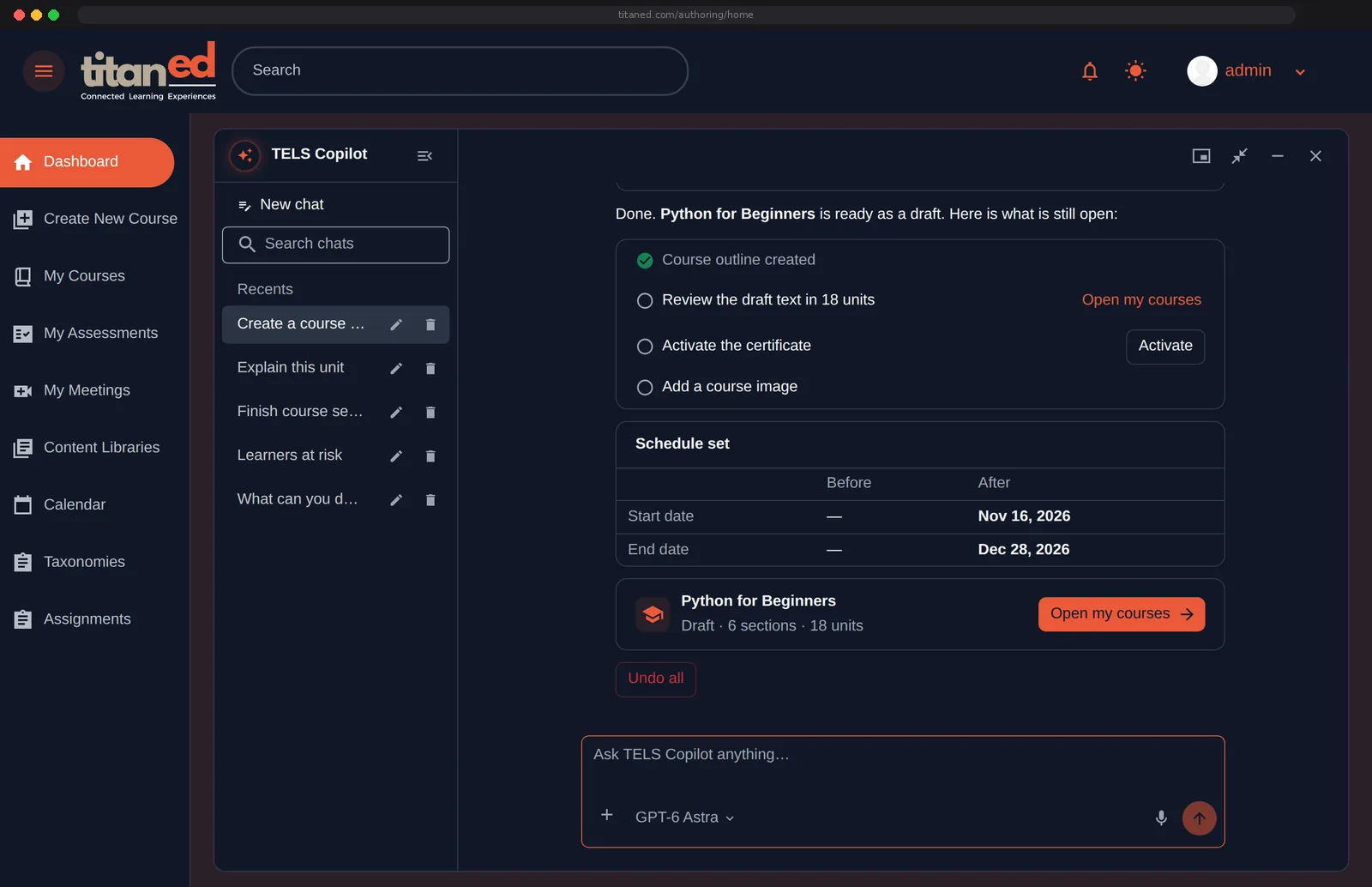
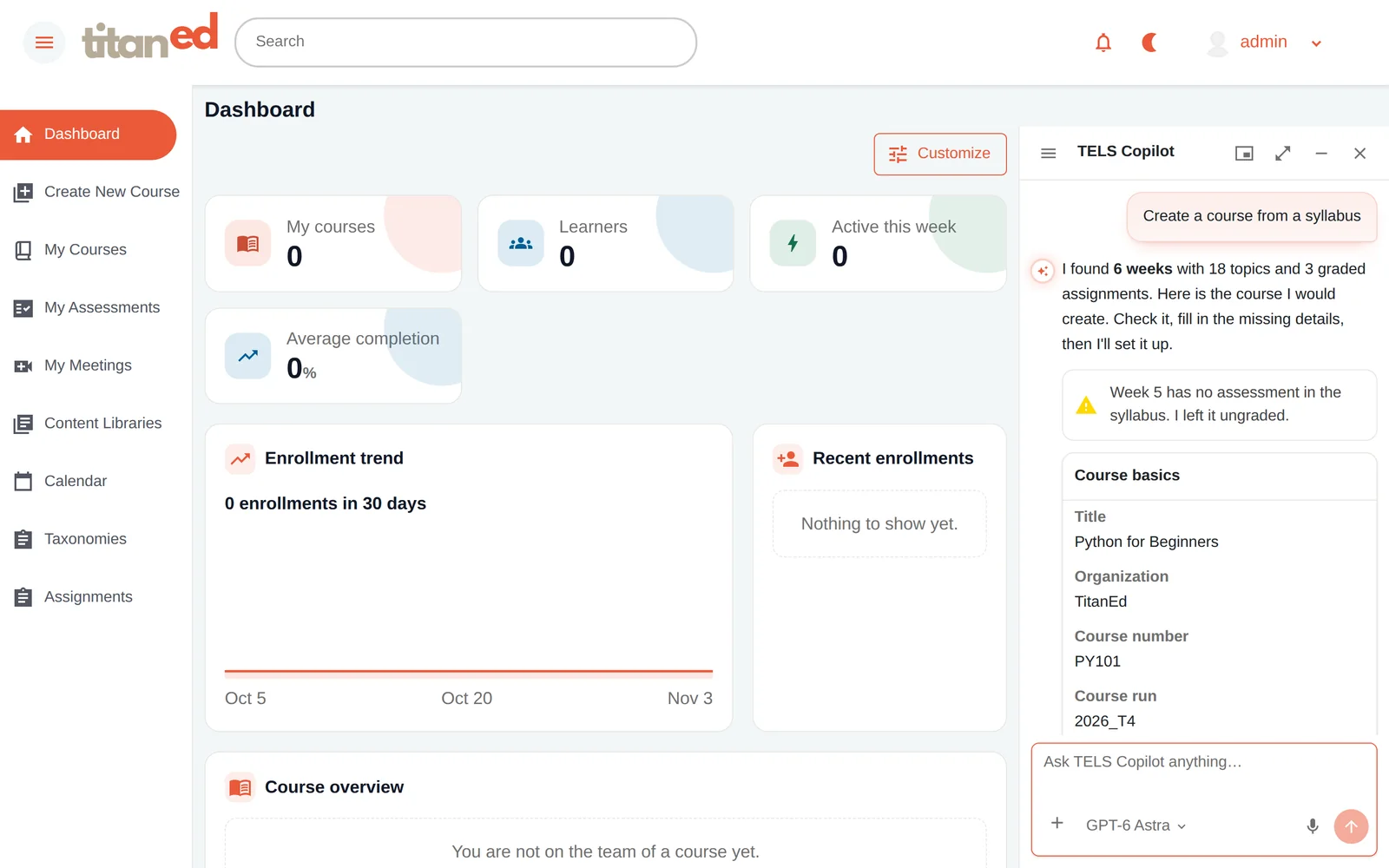
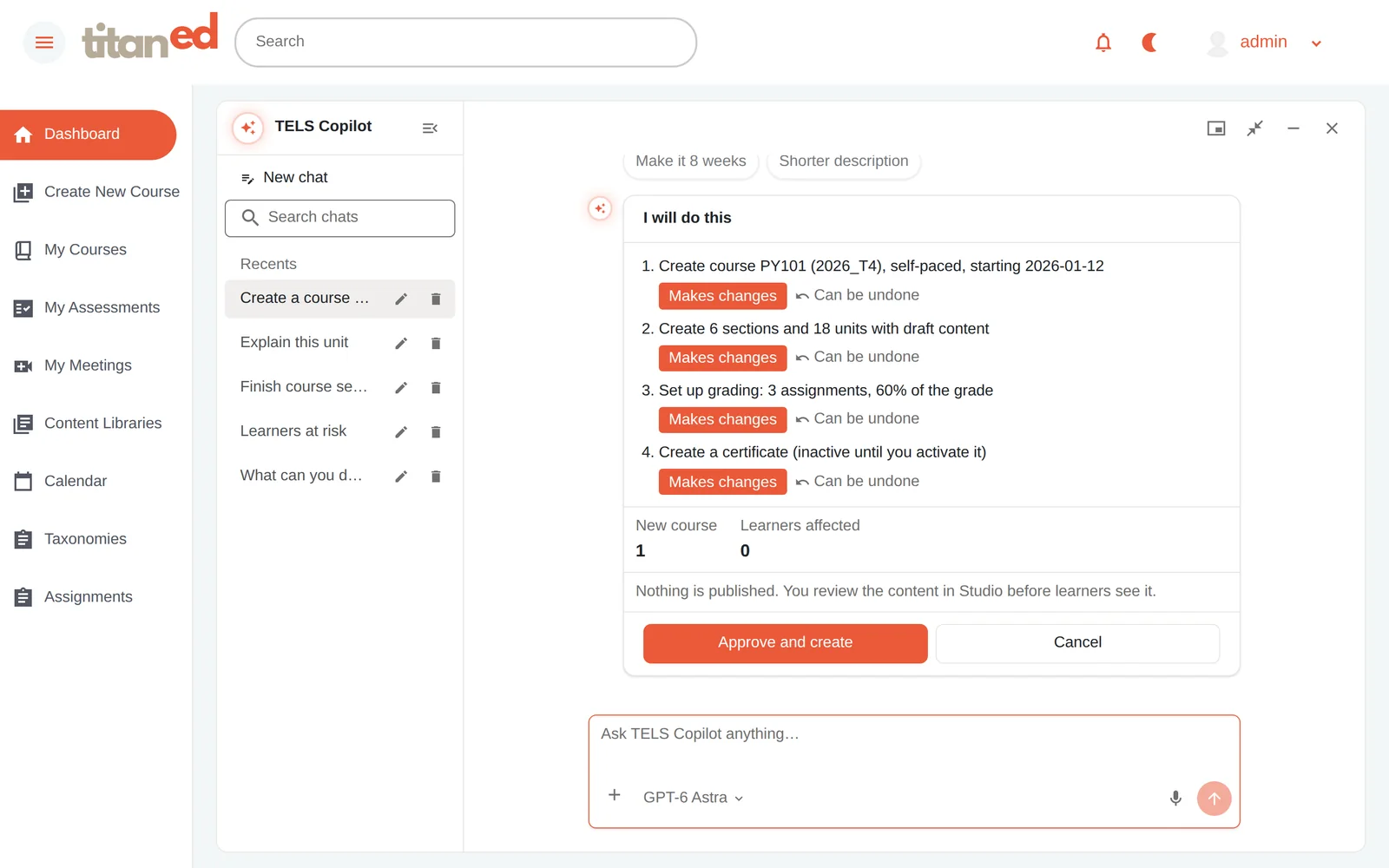
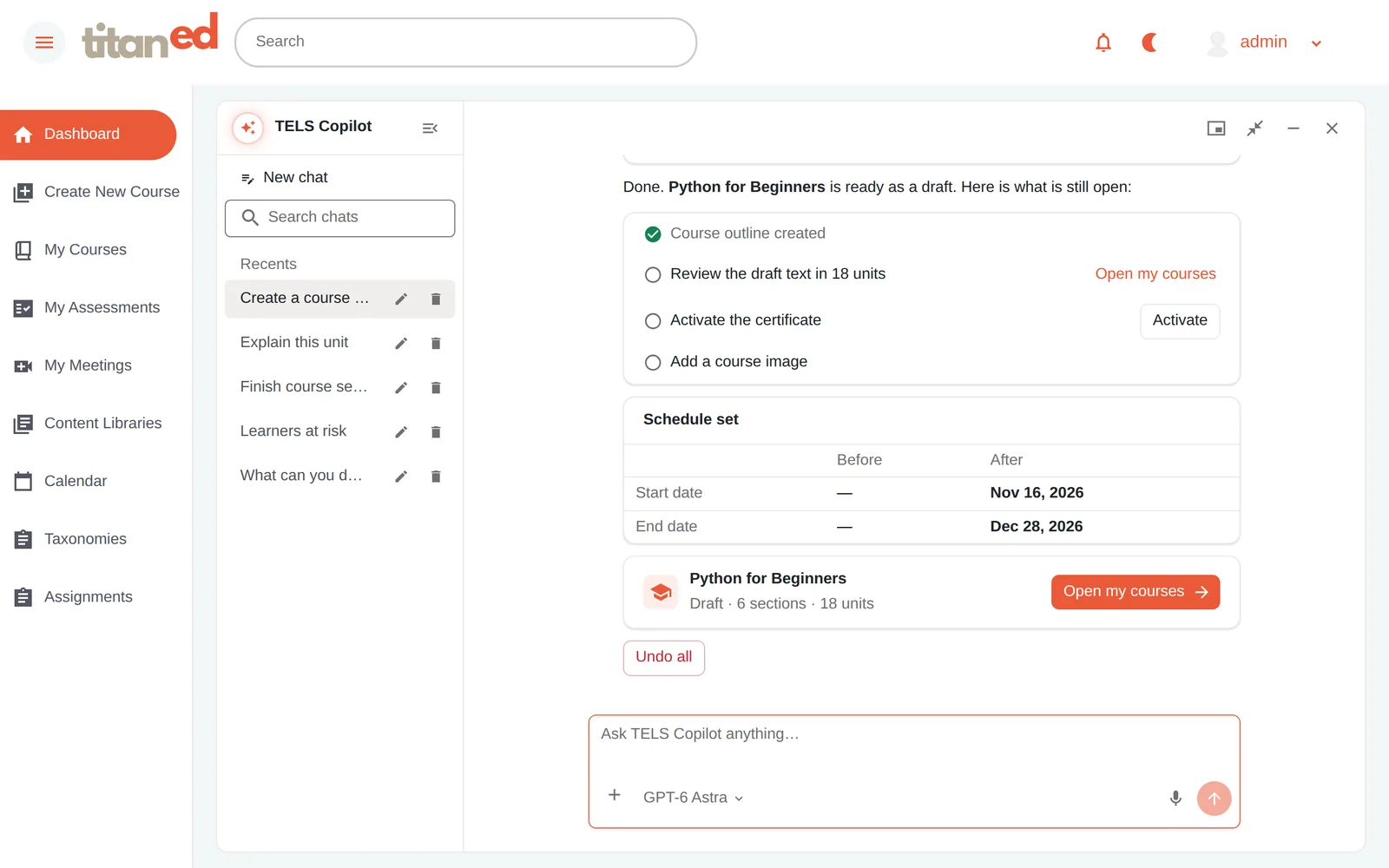
Give the assistant a topic, syllabus or learning brief. Review its proposed structure and choose how to proceed. Use AI to reduce repetitive groundwork while retaining control of the course and the learning experience.
Your AI Assistant reads the syllabus and proposes a structure, flagging anything it could not fill in.
Every proposed change is listed and can be undone. Nothing is published; the educator approves before anything is created.
The draft course appears in Studio with what is still open, so the educator decides what happens next.
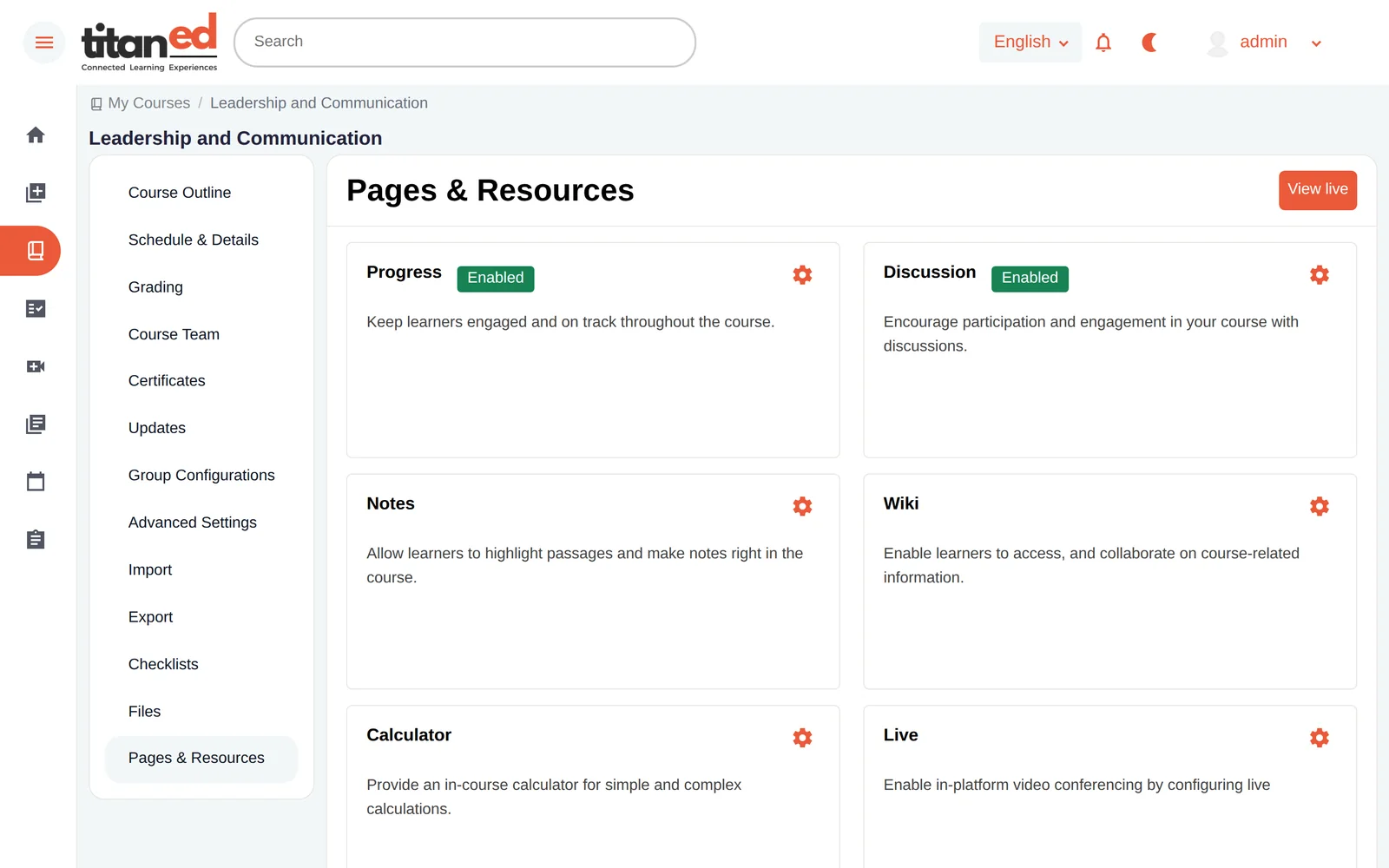
From course content and assessments to teaching teams and live-course operations, Studio connects the work required to build and run a course.
Organize course teams, assign supported permissions and work on learning materials.
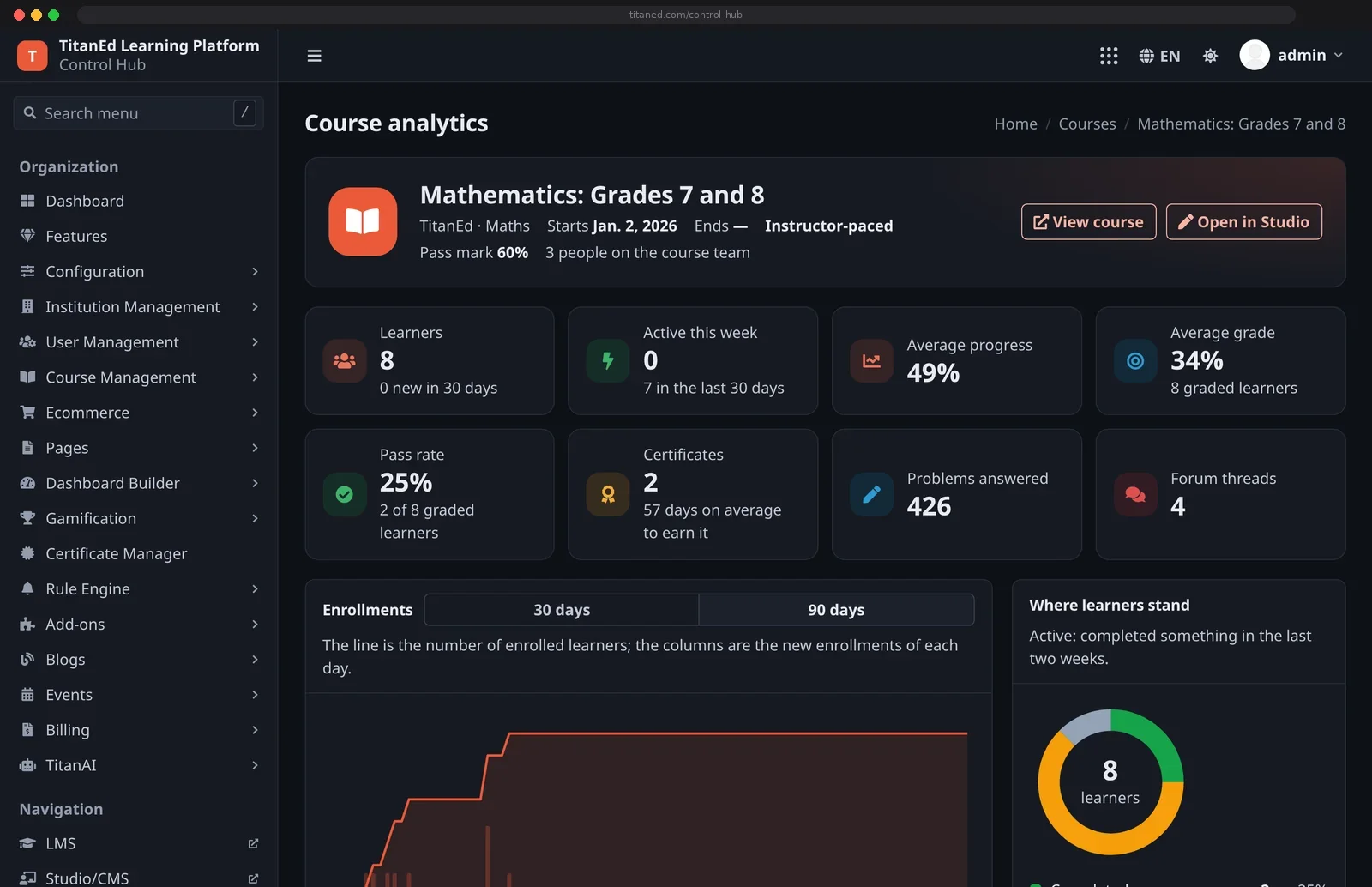
Work with schedules, enrollment, cohorts, discussions and teaching operations through the relevant connected dashboards.
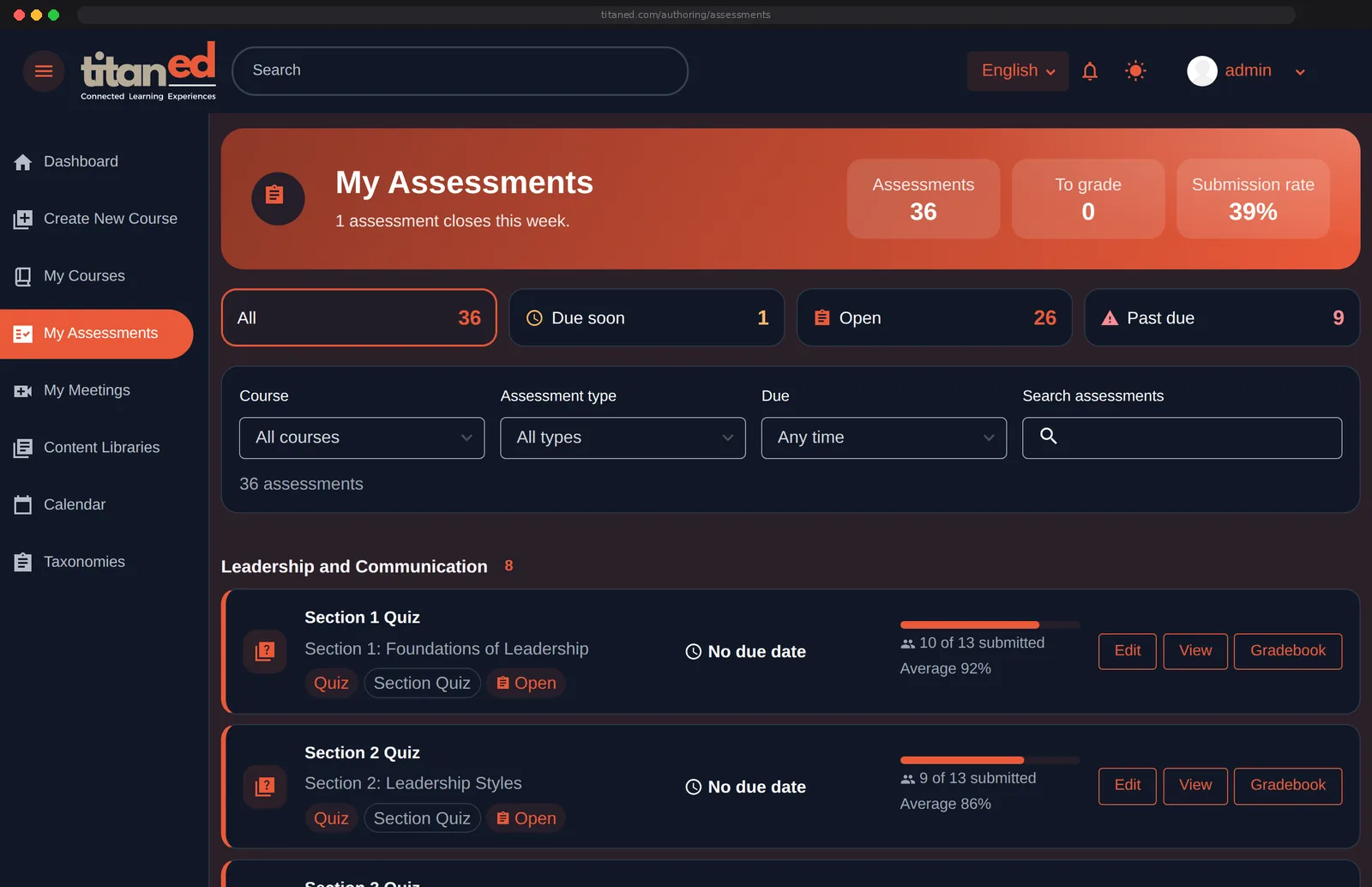
Build supported question and assessment types, manage grading and connect supported external assessment tools.
Structure, units, content blocks, media, authoring, preview and publishing.
Question formats, assessment configuration, gradebook, policies, regrading and supported external tools.
Enrollments, cohorts, discussions, scheduling, date extensions and instructor reporting.
Roles, co-authoring, teaching assistants, approvals and co-tutor workflows where supported.
Course information pages, certificates, learner-facing delivery and commerce options.
Planning, outlines, draft generation, contextual guidance and instructor review.
Build in Studio, deliver through LMS, support learning with TitanAI and review progress through connected course and institutional insights. Start with the capabilities your program needs, then expand as your learning environment evolves.
This website uses cookies to improve your experience. We'll assume you're ok with this, but you can opt-out if you wish. Read More